100% Local & Private

Anonymise. Prompt. Restore.

Drop documents right inside ChatGPT or Claude. PromptSafe detects confidential data, replaces it with smart placeholders, and injects safe text directly into the chat. Restore originals in one click.

100% Client-side No Server Uploads Reversible Vault
39 pages. 97 sensitive items. Anonymised in seconds.

1

Paste or drop your document

Contracts, resumes, case files, financials — any document with confidential data. PromptSafe extracts the content automatically.

2

Review & adjust detections

Names, IDs, emails and more are auto-detected. Add anything missed, remove what doesn't need hiding.

3

Inject safe text, then restore

Hit "Anonymise & Inject" — safe text goes straight into the AI chat. AI responds with placeholders. Restore originals in one click.

See it in action

Toggle between original and anonymised to see what AI receives

Original text
Dear Mr. Tan Wei Ming, Please find the updated employment contract for Sarah Lim (NRIC: S9012345B). Her new salary of $8,500/month at TechVentures Pte Ltd is effective from 1 March 2025. Sarah Lim should contact David Chen at or +65 8234 5678 to arrange signing at TechVentures Pte Ltd.

Smart detection, not find‑and‑replace

PromptSafe detects entity types — not individual words. It scans for names, NRICs, emails, phone numbers, and more across your entire document automatically.

Spotted a false positive? Click to remove it. Missed something? Highlight any text and label it — Person, Company, NRIC, or any of 18+ types. You're always in control of what gets anonymised.

Detected entities
Dear Tan Wei Ming, Please find the updated contract for Sarah Lim (NRIC: S9012345B). Her new salary of $8,500/month is effective from 1 March 2025. Contact her at or +65 8234 5678. Regards, David Chen HR Manager, TechVentures Pte Ltd
Person NRIC Email Phone Company Date Financial
Chrome Extension

Anonymise right inside ChatGPT & Claude

The full workflow without switching tabs. Drop documents, anonymise, inject, and restore — all from a side panel.

1

Open the side panel

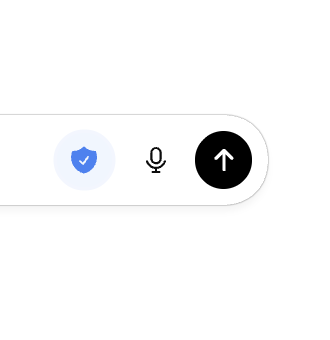
After installing the extension, click the PromptSafe icon next to the Microphone icon on ChatGPT.

PromptSafe icon next to ChatGPT send button
2

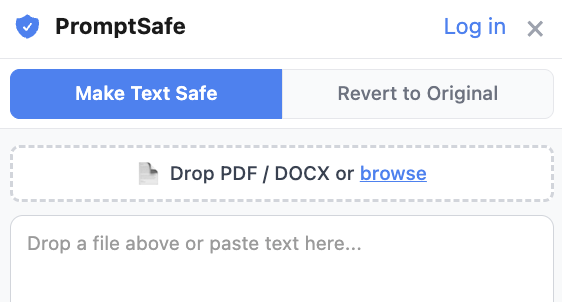
Drop & detect

Drag in a PDF, DOCX, or image. Text is extracted instantly with names, NRICs, emails, and financials highlighted.

Document upload and text extraction
3

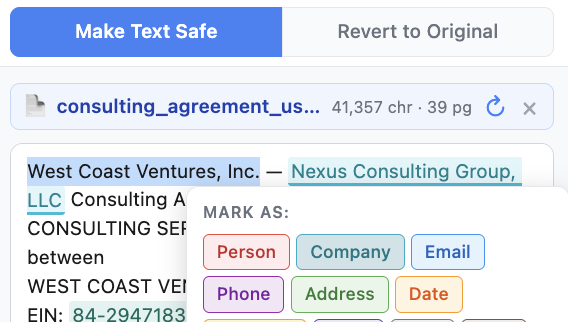
Review & adjust

Review the extracted text and add or remove any sensitive items. You're always in control of what gets anonymised.

Review detected sensitive items
4

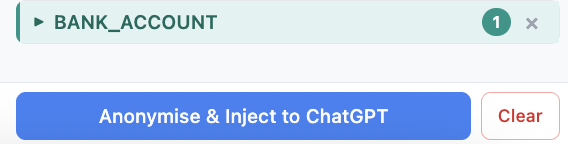
Inject safe text

Hit "Anonymise & Inject" — safe text with [PERSON_1] placeholders is inserted directly into the chat input.

Anonymised text injected into chat
5

Restore original data

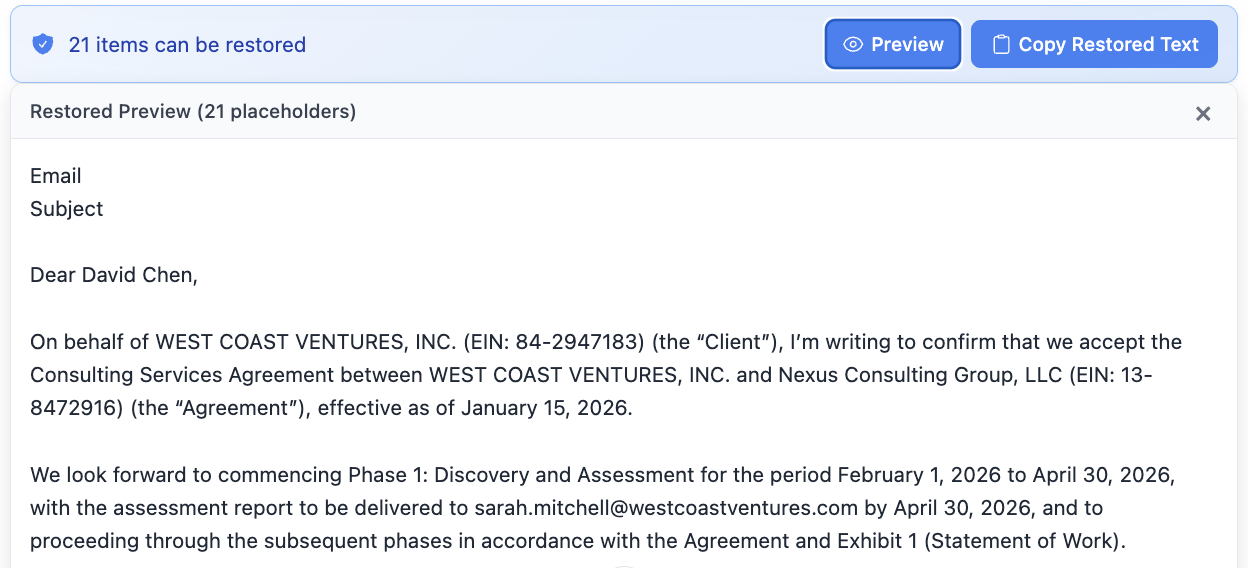
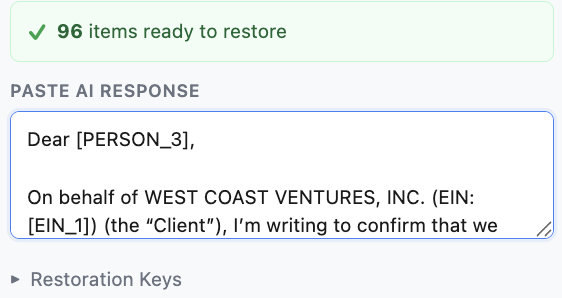
AI responds using placeholders. Restore original data by clicking the blue banner under the output (ChatGPT) or copying the output and pasting in the extension's Restore tab (Claude).

Restore original data from AI response Restored text with original data
100% local processing
No account required
Verify in DevTools

Ready to try it?